
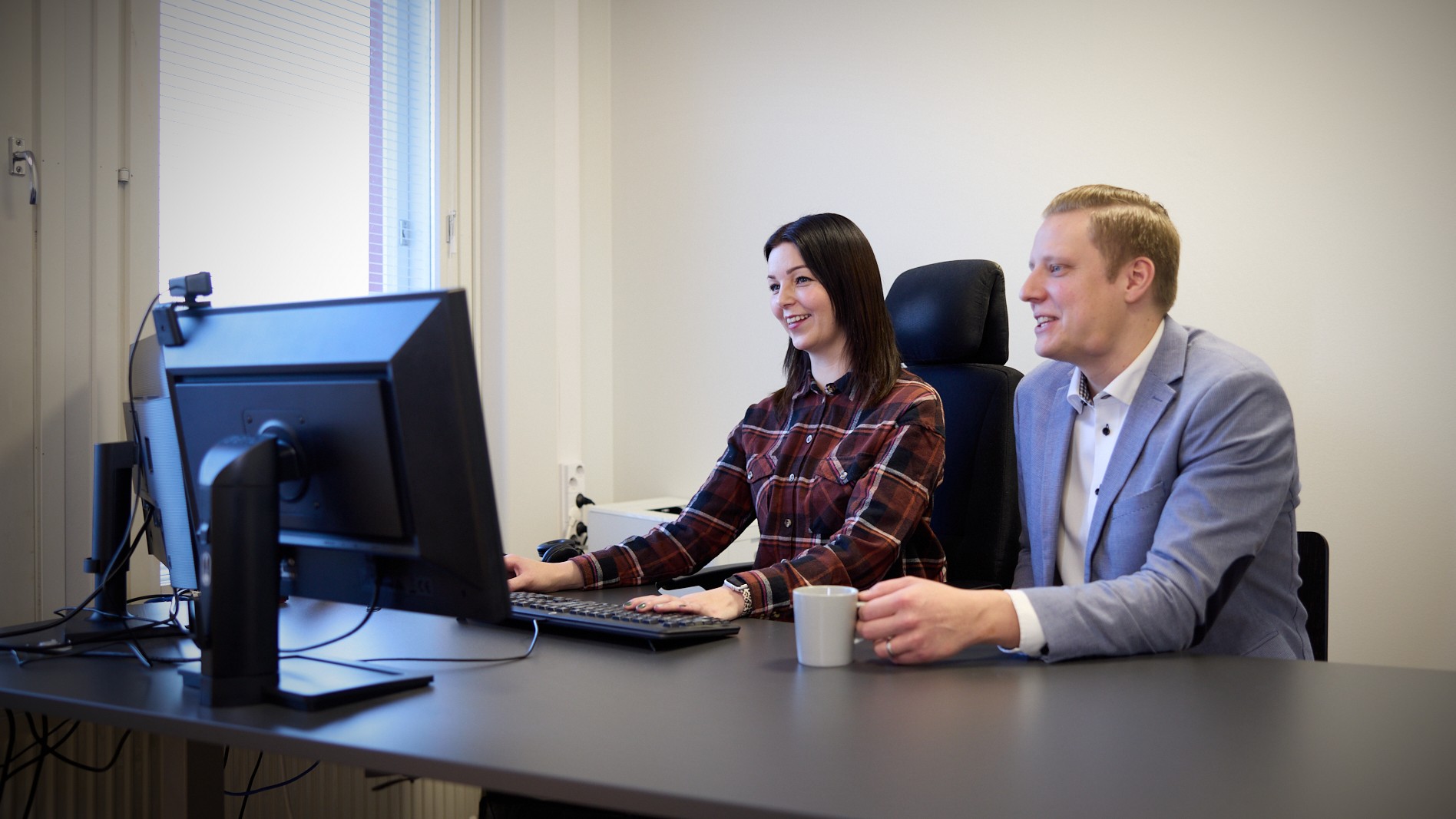
Confirma NetBaron Accounting Software





The NetBaron accounting software is suitable for businesses and accounting firms
Automate Your Financial Management
With NetBaron, you can streamline the automation of your financial management. When invoices and accounts receivable and payable are automatically transferred to accounting, the need for manual work is reduced and processes are accelerated. This frees up time for business development and strategic planning.
More with a single entry
We understand that every business owner wants their financial management to be smooth and accurate. That’s why NetBaron uses the “single-entry” principle: once you enter data, it’s automatically updated across different applications. You stay in control of your finances, and the number of manual errors is reduced.
Working with an Accounting Firm
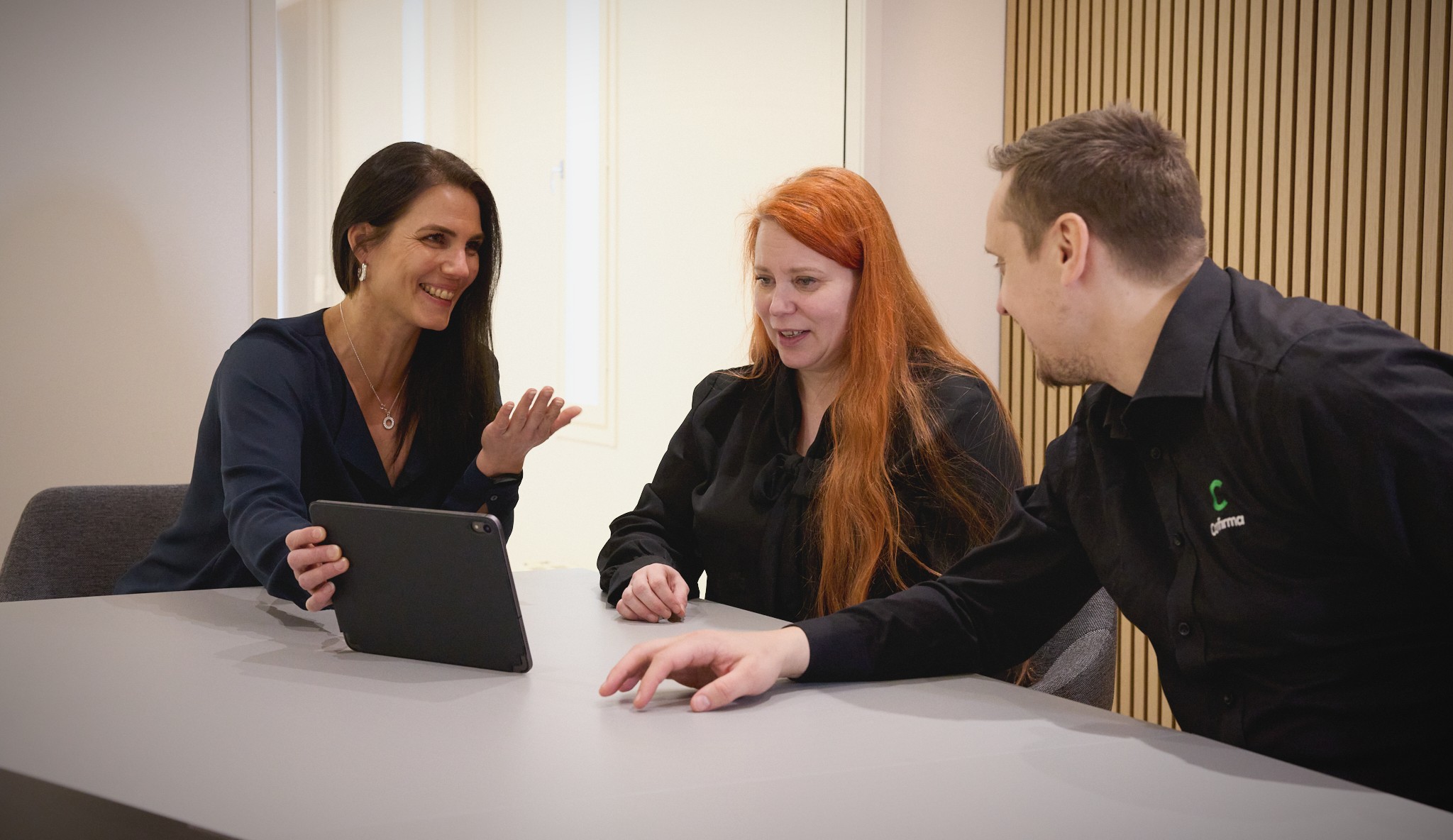
NetBaron enables seamless collaboration between business owners and accounting firms. The shared system ensures a real-time flow of information and saves time, as business owners do not need to submit documents separately to the accounting firm. This improves communication and ensures that financial data is always up to date.
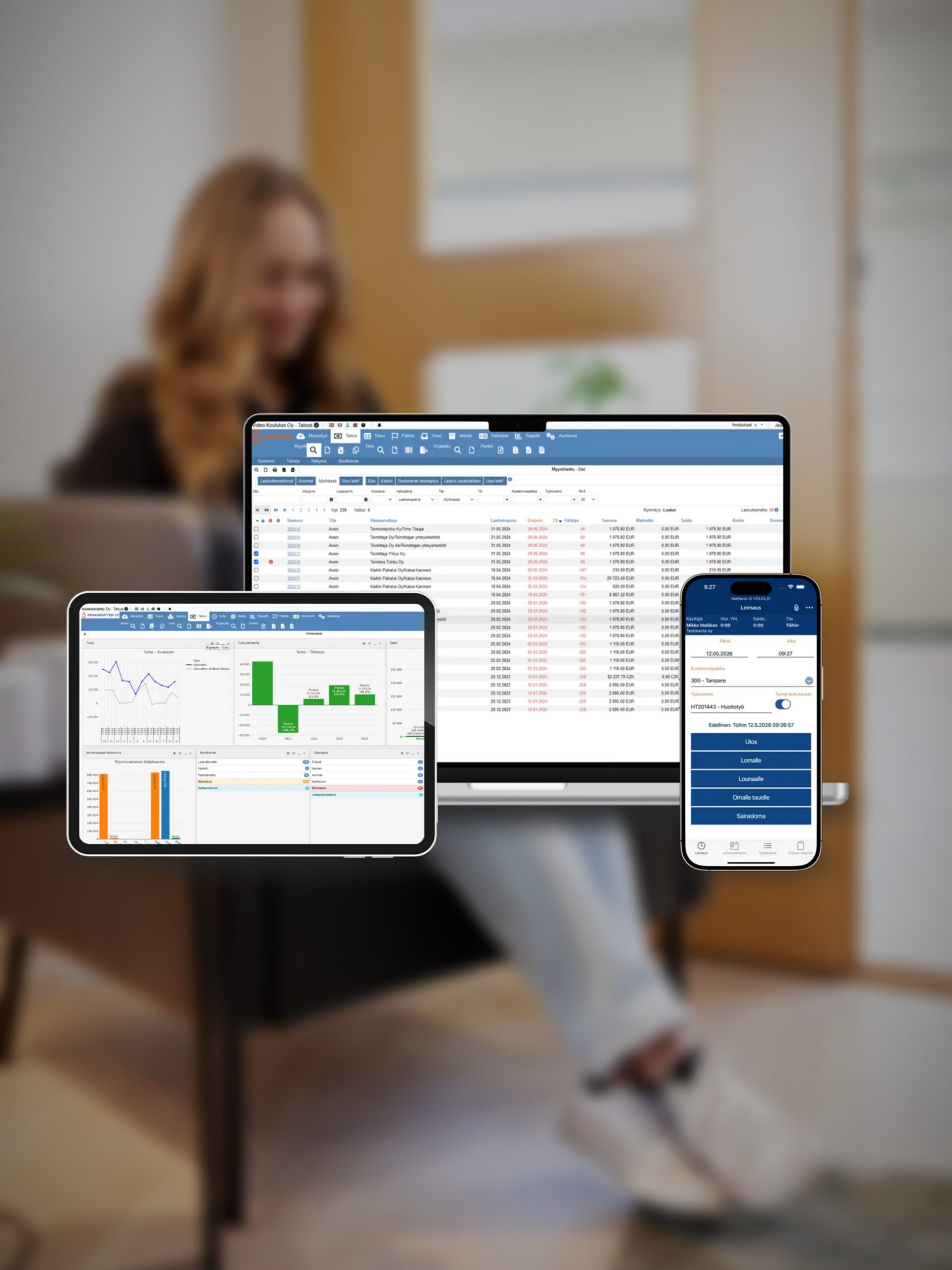
Streamline accounting, financial reporting, and auditing
Effortless data entry and editing
Everyone makes mistakes sometimes. In NetBaron, correcting transactions and data after the fact is quick and easy, since the saved data is always transferred to the accounting system. Managing the locking of accounting periods is straightforward, and locks can also be set at the receipt level.

Processing and Posting of Electronic Bank Statements, and Machine Learning-Based Automation
Automate the processing of bank statements and let the system learn your accounting practices. This saves time and improves accuracy, as manual errors are significantly reduced. Adaptive automation provides ongoing benefits throughout the entire fiscal year.
An unlimited number of receipt number series
The application supports an unlimited number of receipt number series, which provides flexibility, particularly for large companies and accounting firms that process large volumes of receipts.
Comprehensive reports - over 130 options
You have access to a wide range of reports, such as journal and general ledger entries, balance sheet breakdowns, and income and cash flow statements. These reports provide a comprehensive view of the company’s financial situation and support strategic decision-making.

Electronic Notifications to Government Agencies
Streamline the processing of regulatory filings through electronic submission. This feature saves time and ensures that all necessary information is submitted correctly and on time
Electronic signature
Financial statements, contracts, and other documents can be signed electronically and in a traceable manner. The document archive makes it easier to find the documents you need and keeps important documents organized and easily accessible.
Simplify the audit
With this app, auditors can view receipts and transactions anytime, anywhere. The app includes two free auditor accounts by default, and the number of accounts can be increased as needed. Auditors can easily view receipts, add audit notes, and mark transactions as audited within the system.
This ensures that all actions are traceable and makes it easy to track the progress of the audit. Ready-to-use reports for the auditor: journal and general ledger, periodic tax calculation, income statement and balance sheet, balance sheet breakdown, and audit report.

Easily Manage Your Financial Statements
The application provides a ready-made financial statement template that can be customized to your company’s needs. Your custom templates are automatically carried over to the next fiscal year, which reduces annual maintenance work and streamlines the preparation of financial statements. In multi-company use, accounting firms can easily transfer document templates between different companies, which speeds up and streamlines the preparation of financial statements.
The application supports one-time pricing for corporate groups or accounting firms, so you can purchase the financial reporting package for multiple organizations at once.
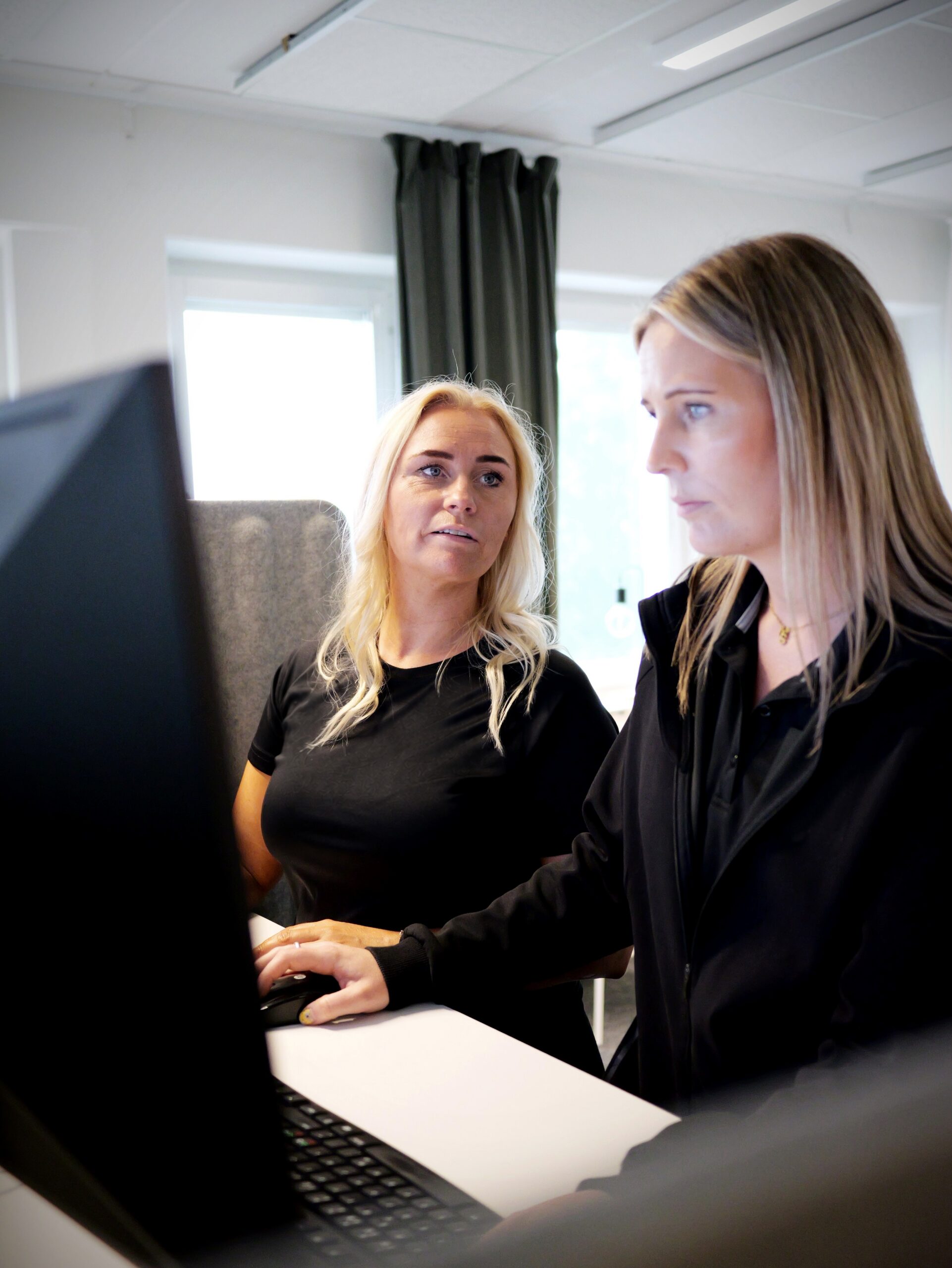
Contacts with Banks and the Tax Administration
NetBaron includes integrations with Finnish commercial banks and the Tax Administration. Tax reporting is semi-automated and covers VAT returns, VAT summary returns, and annual returns. Files can be attached to almost any entry, and revenue and expenses can be allocated across multiple months and years. The system supports users in Finnish, Swedish, and English.
You can access all customer data with a single login through the multi-company view, and the browser-based software can be used from anywhere.

Feature
Are you ready to make bookkeeping easier?
Other Solutions for Efficient Financial Management
Automated processing of tax cards, income registry reports, and annual leave calculations—all in one system.
Read moreThe entire financial management process: invoicing, accounts receivable and payable, bookkeeping, and reporting - all in one system
Read moreTrack your company's finances and manage daily tasks from anywhere. The app lets you view cash flow forecasts, profit and loss trends, and revenue trends, as well as bank account balances, and you can review, approve, and pay purchase invoices directly in the app.
Read moreOur accounting firm partners throughout Finland are financial management professionals who help you get the most out of NetBaron. When your accounting firm has access to the same system, bookkeeping, financial statements, and tax returns are handled more quickly, and collaboration runs smoothly.
Read moreOne system for the entire accounting process
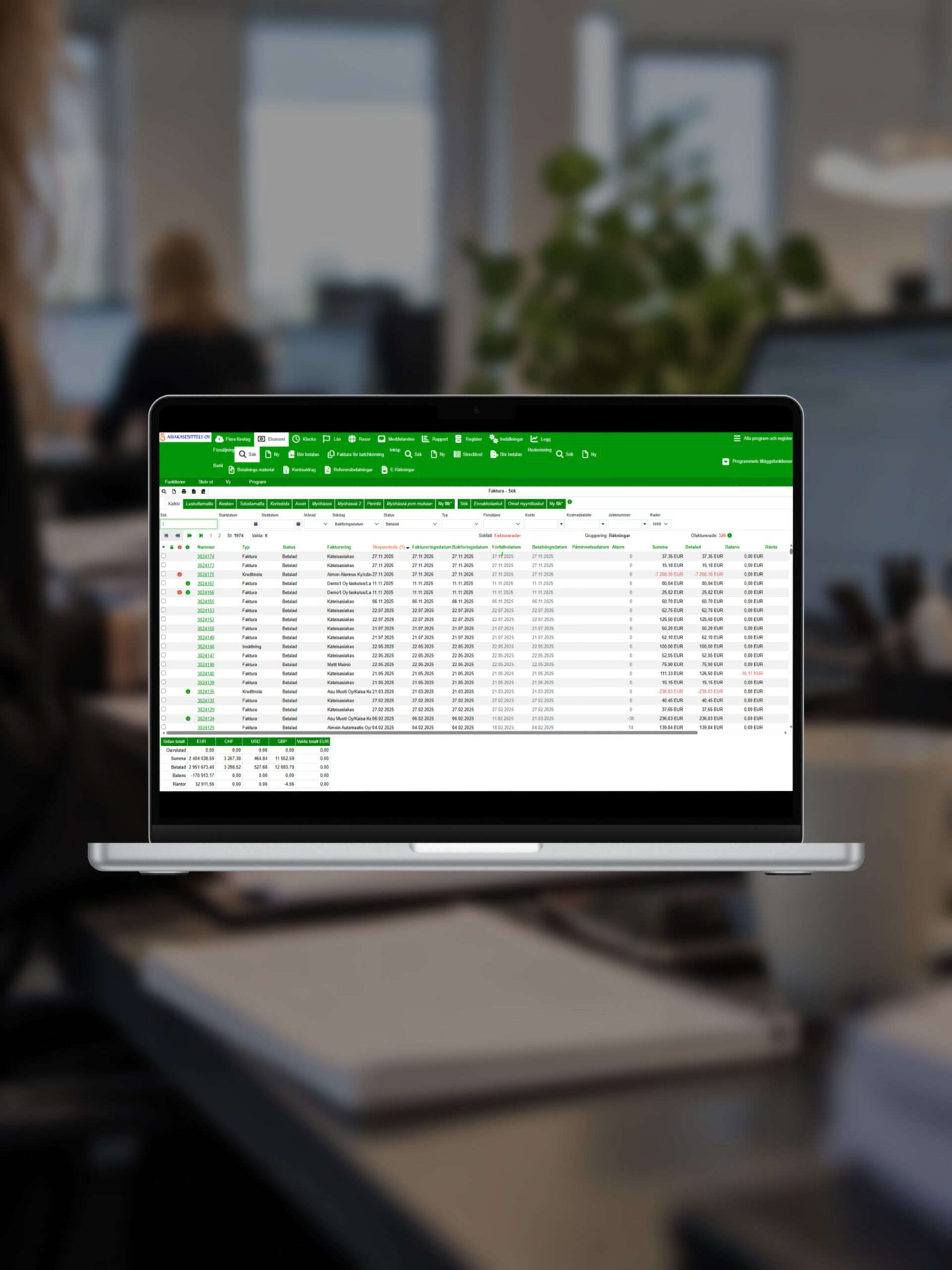
A modern accounting program needs to do more than just record transactions. NetBaron serves as a company’s accounting software, keeping journals, ledgers, and balance sheet breakdowns up to date at all times, as well as a financial reporting tool, with over 130 reports to help you leverage the data for decision-making. Bank statement reconciliation is based on electronic bank statements and adaptive automation, so the automation of your accounting improves the longer you use the system. When it’s time to prepare financial statements, you can create them right in the system using templates you manage yourself. For a small business, this means accounting software that reduces routine work rather than adding new tools. For an accounting firm, it means managing all clients, accounting, and reports with a single login.
Why Do Companies Choose NetBaron?
Experience since 2003. User-friendly. Safe. Reliable. Automatic. Proven effective in independent comparisons.
NetBaron is modern financial management software that reduces manual work and provides a real-time view of a company’s finances. We automate the entire financial management process - from bookkeeping to reporting - so that company leadership can make better decisions based on up-to-date information. Our solution is easy to use, scalable, and secure. In short: less routine work, more control, and significantly better financial visibility - all in one system.

Frequently Asked Questions
Need help?
Contact us
What is the NetBaron accounting software?
NetBaron is an accounting software program that combines bookkeeping, financial statements, and auditing into a single system. Invoices and ledgers are automatically transferred to the accounting system, and data entered once is updated everywhere according to the “enter once, update everywhere” principle.
Who is this software suitable for?
For both businesses and accounting firms. Businesses can access their invoices, ledgers, and bookkeeping, as well as reporting and financial statements, all in one place, and accounting firms can manage multiple clients so that all clients are accessible with a single login.
How does machine learning work?
The system learns your accounting practices from the electronic bank statements you process. These entries generate suggestions, reduce manual errors, and increase the benefits of automation throughout the fiscal year.
Can mistakes be corrected later?
Yes. Correcting transactions and data after the fact is quick and easy, and the saved corrections are always carried over to the accounting records. Accounting periods can be easily locked, even at the receipt level.
How is the audit handled in the system?
An auditor can review source documents and transactions regardless of time or location, add audit notes, and mark audited transactions in the system. Two free auditor accounts are included by default. The pre-built auditor reports cover the journal and general ledger, the periodic tax calculation, the income statement and balance sheet, the balance sheet breakdown, and the audit report.
How are financial statements prepared?
Financial statements are prepared using a ready-made template that can be customized to your company’s needs. Your templates are automatically carried over to the next fiscal year, and accounting firms can transfer templates between companies. A one-time pricing model designed for groups or accounting firms covers multiple organizations at once.
Does the software have connections to banks and the Tax Administration?
Yes. The integrations cover Finnish commercial banks and the Tax Administration, and tax reporting is semi-automated for VAT returns, VAT summary returns, and annual returns.
Can I work in the same system as my accounting firm?
Yes, that is one of the system's core principles. The shared system provides both parties with real-time data, so there is no need to submit data separately, and the records are kept up to date on a daily basis.
What languages does the software support?
Finnish, Swedish, and English.
How much does accounting software cost?
Pricing is based on the size and needs of your business. Contact us to request a quote or schedule a free demo to explore the system first.
Contact Us
8b083348-6c19-4f94-8322-b3bdbd6fbe56
1c9dcd51-514f-4103-b1b2-48ccb1ba2a39
3d13b184-c371-4085-bfc4-4bbf8ed7701d
NetBaron
