
Repair Shop Software for Auto Repair Shops
Your entire repair shop in one software program
During peak season, management has many tasks to handle at once: machines awaiting maintenance, spare parts orders, assigning work orders, and invoicing. Confirma Quick3 is a browser-based software solution that brings together the most important functions of a machine repair shop under one system and brings order to day-to-day operations.
- You can view the status of your auto repair shop in real time. Maintenance tasks, resources, inventory, and purchasing needs are all easily accessible in one place.
- You know how the work is progressing. Management can immediately see the status of each stage of the work, and no one has to go around asking questions.
- You plan your work in advance. When appointments and machine information are up to date, maintenance goes smoothly without unnecessary interruptions or extra paperwork.
Clear Workflows Bring Order to Your Auto Repair Shop

Resource Calendar and Appointments
You can view staff availability and workshop resources, and easily manage service appointments. This keeps the workload under control and prevents appointments from overlapping.

Maintenance and Work Orders
Create work orders, select service packages, and log work and replacement parts seamlessly. Work steps are saved automatically, which streamlines the technicians’ work and ensures accurate billing. The service process flows smoothly from start to finish without unnecessary clicks - even at the customer’s location.

Inventory Management and Purchasing
You can view your inventory levels in real time, and automatic purchase suggestions let you know when it's time to restock. Your employees can quickly handle receiving, inventory, and order processing - even on mobile devices.

Vehicle Information and Equipment Registry
Vehicle information is retrieved directly from Traficom and added to the work order, so you always start with the correct information. You can add custom fields for tractors, combine harvesters, and other machinery to the flexible equipment registry.

Fieldwork and Mobile App
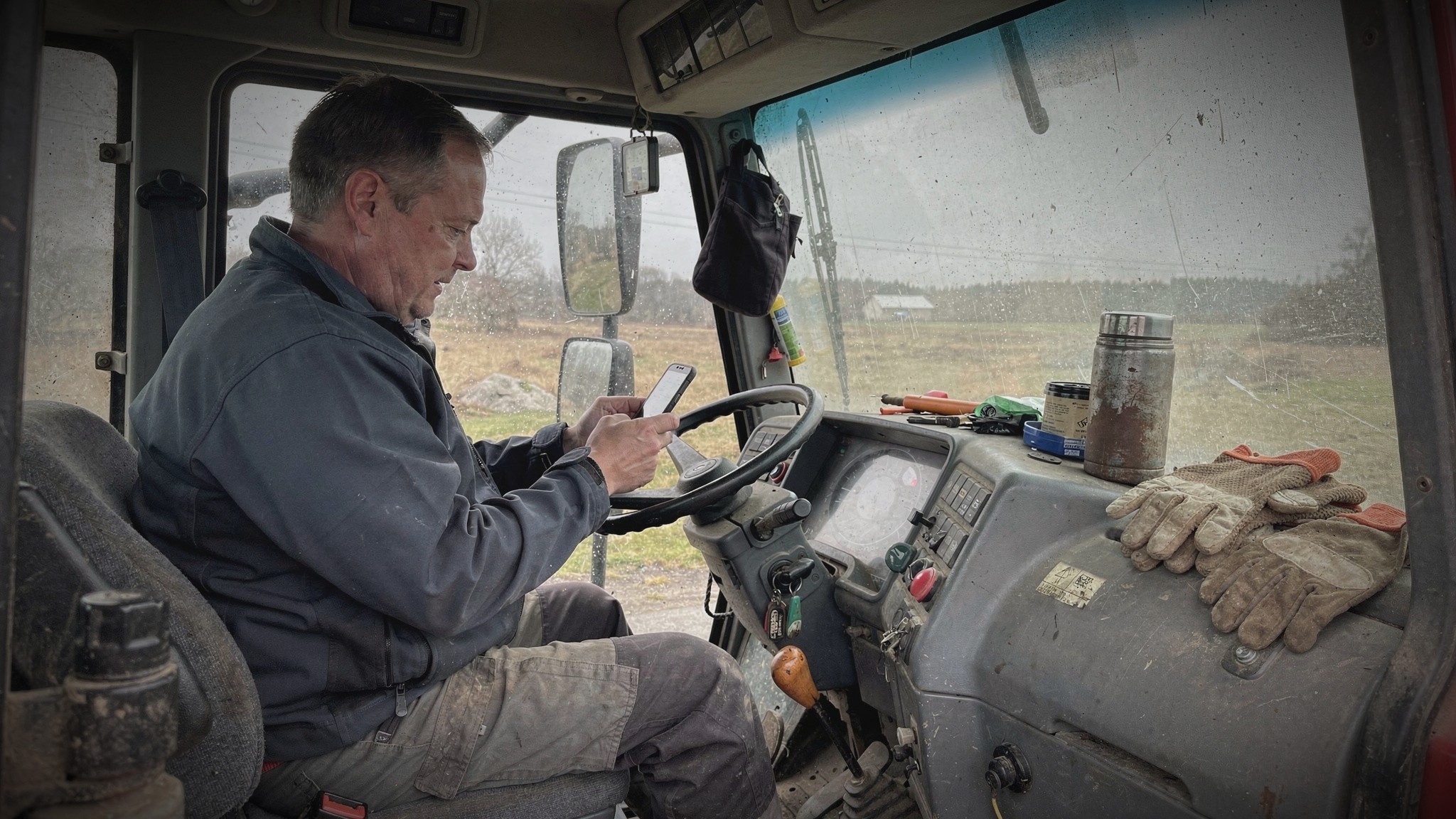
You can use Quick3 on a computer, tablet, or phone without any installations. Open a service work order right next to the tractor, check the inventory of replacement parts at the customer’s location, or send an invoice once the service is complete. With the mobile app, you can attach photos of the service progress to the work order, which makes it easier to document issues and verify that the work has been completed.

Billing and Invoice Distribution
Each step of the process is automatically saved, ensuring accurate billing. You can send the invoice as soon as the job is complete or proceed directly to checkout. The invoice can be sent to a business, an insurance company, or a private customer, which reduces manual work and speeds up payment processing.
Service History and Service Reminders
You can view previous maintenance jobs, the replacement parts used, and when the machine was last serviced, making it easier to choose the right procedures and speeding up customer service. You can send a maintenance reminder directly from the program and fill out the maintenance calendar before the busiest season begins.

Sales and Cashier Functions
You can manage point-of-sale transactions, invoicing, and purchase orders all in the same system. Prices and inventory levels are kept up to date, which speeds up sales and reduces the risk of errors. Every transaction is recorded in real time, making it easy to track sales and generate reports.
Why do auto repair shops choose Confirma's repair shop software?
- Transparent pricing— a fixed monthly fee covers all features.
- One system for all your auto repair shop needs -from maintenance to reporting and supplier integrations, all in one comprehensive solution.
- Modern and browser-based -no installations, no ties to a single device. The software goes wherever your devices are.
- Fast, local support— our dedicated support team and product development team ensure that our software continues to evolve and that you get help whenever you need it.
- A skilled local partner— we have over 30 years of experience in developing and delivering enterprise resource planning systems.
Easy-to-use software for auto repair shops
- Works wherever you are - Quick3 is browser-based, so no installation is required, and you’re not tied to a specific device. Open a work order right next to the tractor, check the spare parts inventory at the customer’s location, or send an invoice as soon as the job is done. The repair shop software goes wherever your machines are.
- Remind customers before the busy season - A tractor breaking down in the middle of the planting or harvest season can come as an expensive surprise to a customer. Quick3 keeps a record of your customers’ machine maintenance history, so you can easily see when a machine was last serviced. You can also send a maintenance reminder directly from the program when the next service is due. This way, you take good care of your customers and fill your service calendar even before the busiest season begins.
- Field Work Support Features - Up-to-date vehicle information is retrieved directly from Trafi into the system. With the mobile app, you can save photos directly to the work order, which makes it easier to document faults, track work progress, and verify that the job is complete. All documentation is saved as part of the machine’s maintenance history and supports accurate billing.
- Versatile Equipment Registry - The equipment registry can be customized with custom fields for tractors, combine harvesters, work machines, and other equipment requiring maintenance. Billing for maintenance work can also be easily split among multiple parties, such as a company, an insurance company, or a private customer. This reduces manual work and speeds up payment processing.
- Software that doesn't leave you on your own - Confirma is a partner in your daily work, not just software. We help with implementation, are there to assist you when questions arise, and continuously develop the software together with our customers.
Get your repair shop ready before the next season?
The right software brings clarity to the day-to-day operations of auto repair shops
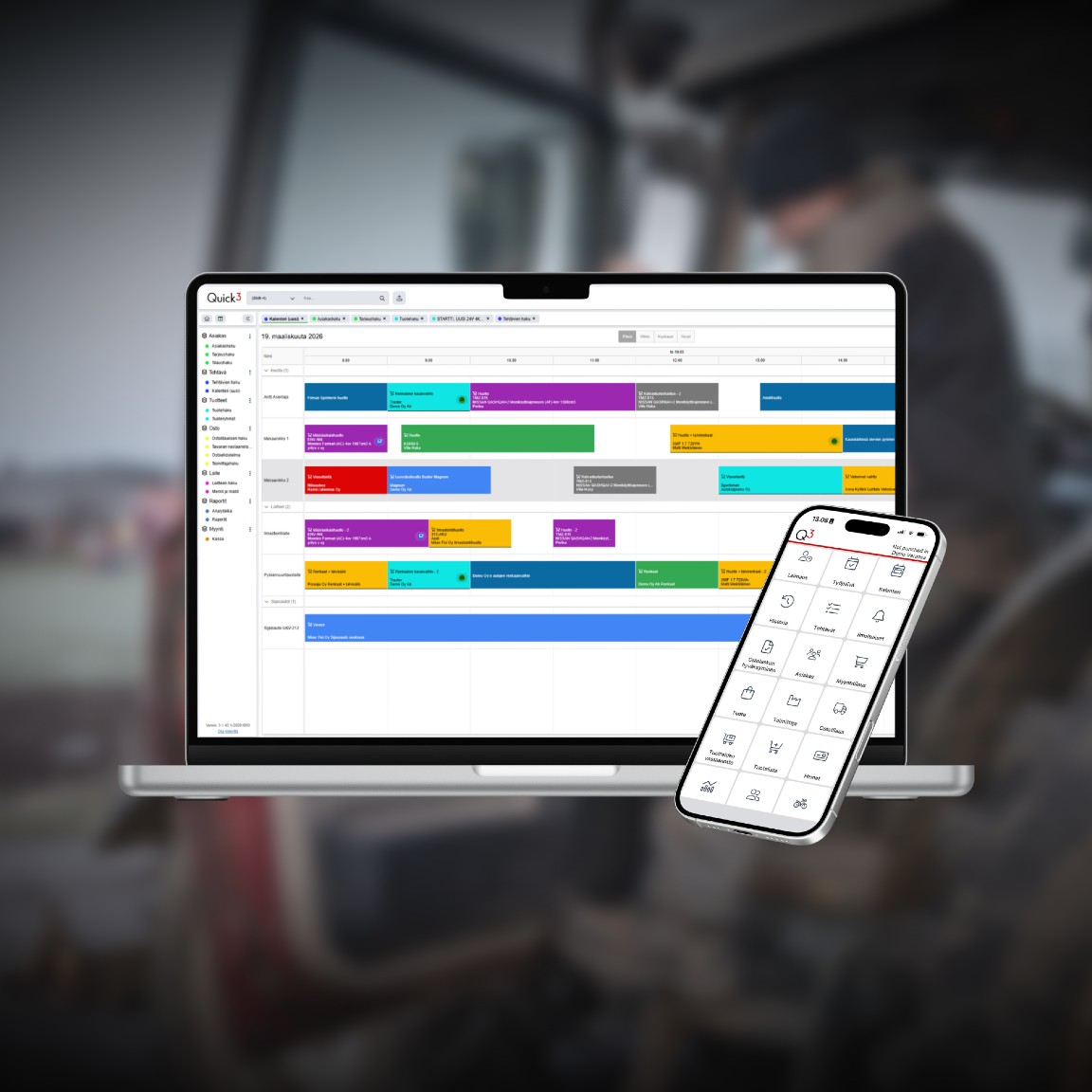
Confirma Quick3
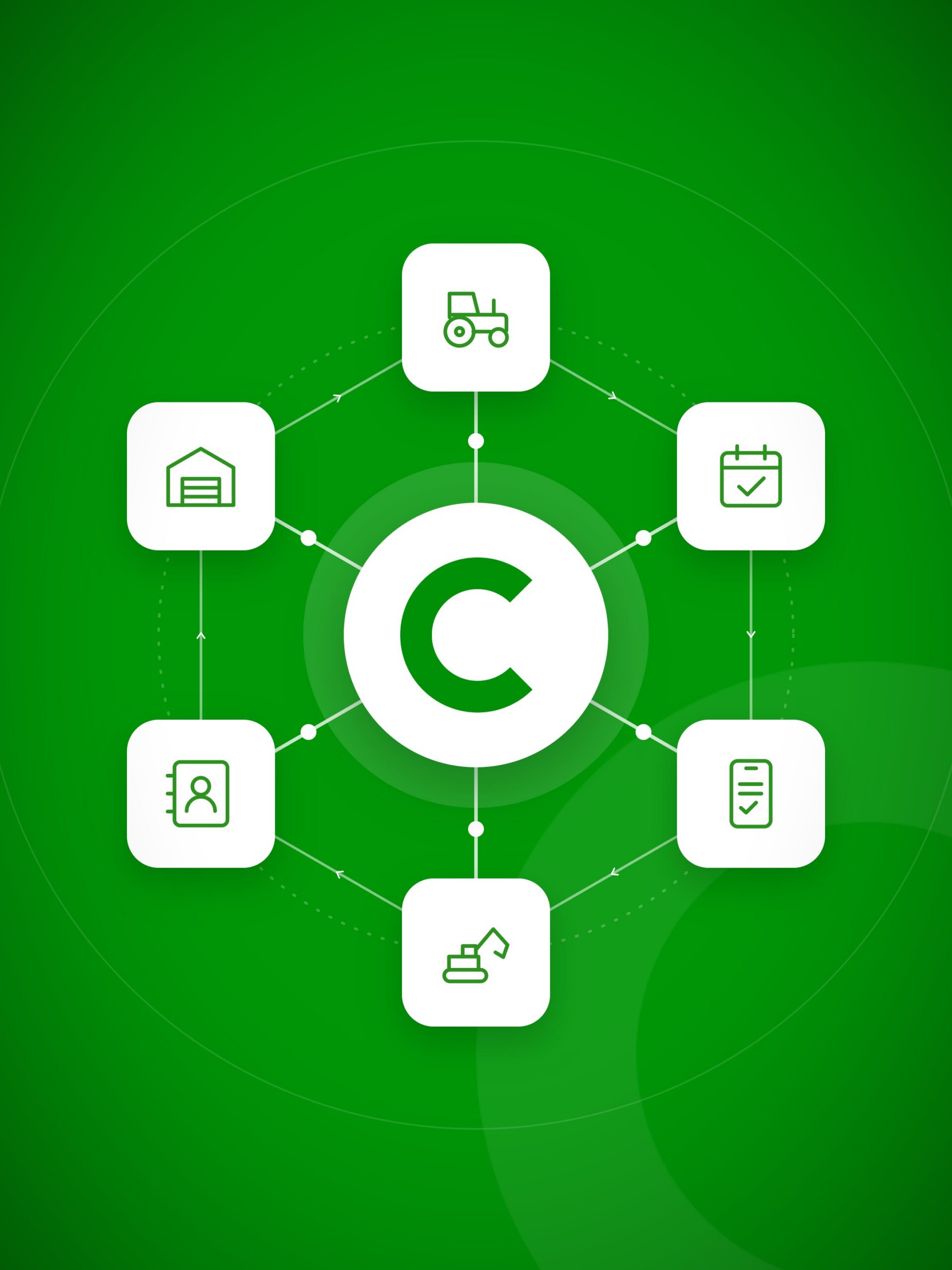
Quick3 keeps work orders, inventory, maintenance history, and invoicing under control even during the busiest seasons.
- Sales and Cashier Functions
- Maintenance and Work Orders
- Vehicle Information and Service History
- Inventory Management and Purchasing
- Resource Calendar and Appointments
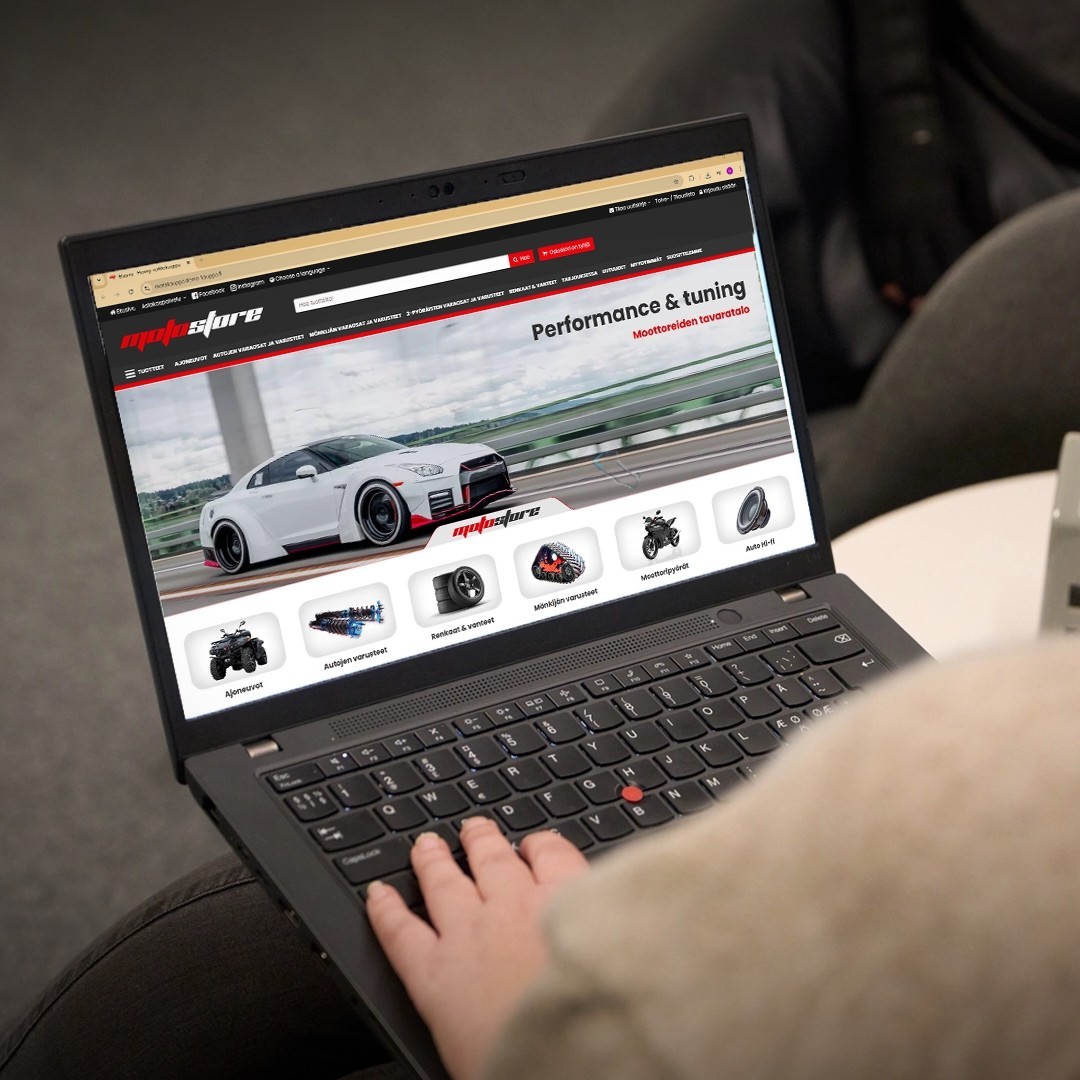
Confirma Flowvy
With the Confirma Flowvy online store, you can sell maintenance services, replacement parts, and additional products to your customers throughout Finland.
- Suitable for repair shops and chains of all sizes
- Inventory levels are displayed in real time
- Search Engine Optimized
- Comprehensive payment and logistics integrations
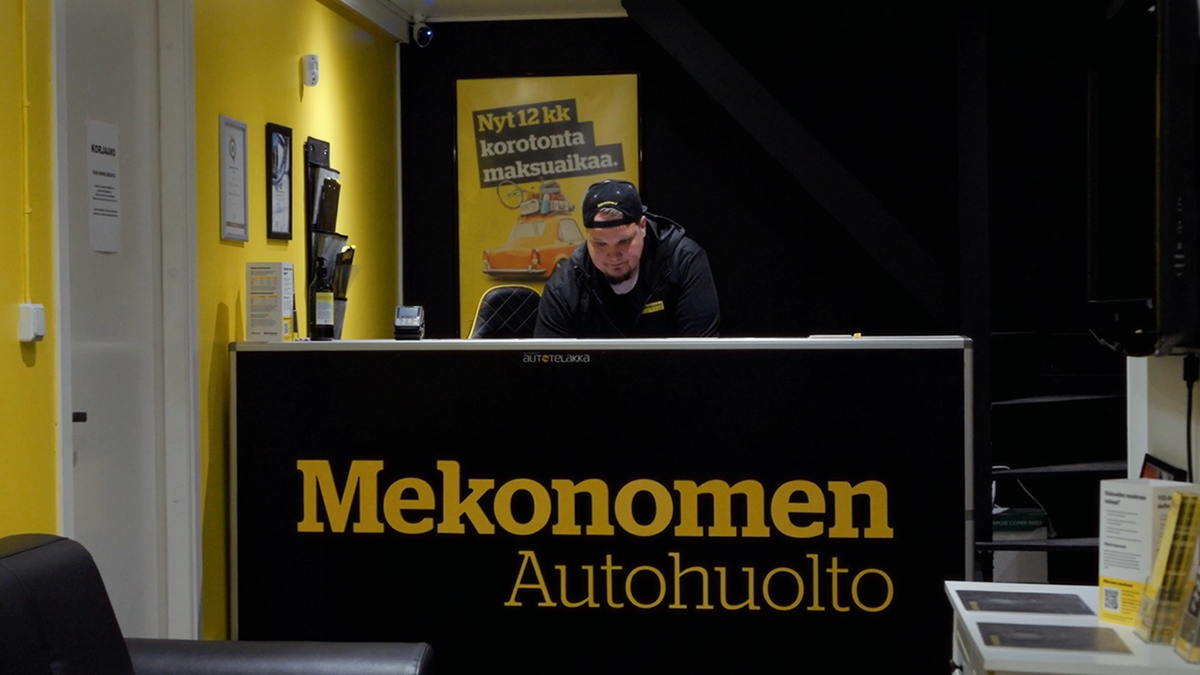
Users of the Confirma Quick3 repair shop software

Growth and support for every aspect of your business
Our billing and collections service handles billing and payment monitoring for you, so you can focus on maintaining your equipment. If necessary, the service also includes debt collection.
Read moreBusiness Intelligence displays your repair shop's key metrics in real time and shows how seasonal fluctuations affect revenue, so your decisions are based on facts.
Read moreOur digital marketing experts will help you increase your visibility on Google, Meta, TikTok, and ChatGPT.
Read moreWhy Choose Confirma for Your Auto Repair Shop?
- You know exactly what you're paying. The fixed monthly fee covers all features.
- Everything in one place. From maintenance to reporting and from invoicing to supplier integrations - all in a single system.
- The software goes wherever you go. No installations and no ties to a single device, so you can use the system even at your client's location.
- Help is close at hand. Our support team knows the auto repair shops and is always there to help when you need it.
- Joint Implementation. We assist with data migration, configuration, and implementation to ensure a smooth and controlled transition to the new system.
- An experienced partner. Confirma has nearly 40 years of experience with enterprise resource planning systems for various industries.
Frequently Asked Questions
Need help?
Contact us
What is an operations management system for an auto repair shop?
Software that brings together the most important functions of a repair shop in one place: work orders, spare parts, inventory management, invoicing, and reporting. It is also sometimes referred to as repair shop software or an ERP system. Confirma Quick3 is a browser-based enterprise resource planning (ERP) system developed for agricultural and forestry machinery repair shops.
Why does an auto repair shop need an ERP system?
The day-to-day operations of a repair shop that services agricultural and forestry machinery differ from those of a typical auto repair shop. Work is often performed on-site at the customer’s location, in a field or in the forest; the machines are large and valuable; and during peak season, delays can result in direct costs for the customer. Without an effective system, managing work orders, spare parts, and invoicing can easily become difficult precisely when the workload is at its peak. Quick3 helps keep operations under control even in the field
How does repair shop software help during peak season?
The planting and harvest seasons often mean a heavy workload for machine repair shops: tractors and combine harvesters are waiting to be serviced, technicians’ schedules are full, and spare parts are constantly being ordered. Quick3 keeps work orders, resources, and inventory levels up to date in real time, giving management a complete picture of the situation without the need for time-consuming monitoring. When multiple work orders can be handled simultaneously, it’s easier to keep everything under control.
Is Quick3 a good fit for a company that has never used a similar system before?
Yes. The software is designed to be easy to implement, even for companies that have never used an ERP system before. We’ll assist you throughout the entire process from the very beginning and make the implementation as smooth as possible.
How soon can we get started?
We’ll start by reviewing your situation, and then we’ll assist with implementation and staff training. Since Quick3 is browser-based, no local installations are required. You can start using the system as soon as the environment is ready.
Can Quick3 be used on a mobile device?
Yes. Quick3 is browser-based repair shop software that works over the Internet without requiring any local installations. It can be used on a computer, tablet, or phone, so you can work with the same system whether you’re at the repair shop, in a field next to a tractor, or even at a customer’s location in the woods. All data is updated in real time for all users.
We already have an ERP system. How does the transition to Quick3 work?
System migrations are nothing new to us. We’ve helped many companies transfer customer records, equipment data, and maintenance histories from various systems. You can rest assured that no important data will be lost during the migration. We’ll plan the transition together and carry out the implementation in a way that ensures your repair shop continues to operate normally throughout the entire process.
Can a single invoice for maintenance work be split among multiple payers?
Yes. Invoicing for maintenance work can be split among multiple parties, such as a company, an insurance company, or a private customer. This reduces manual work and speeds up payment processing.
How can different types of machinery and equipment be managed in the equipment registry?
The equipment registry is customizable: you can create your own fields for different types of machinery, such as tractors, combine harvesters, work machines, or other equipment requiring maintenance. This ensures that the registry reflects the actual types of machinery and equipment serviced at your repair shop.
Where does the vehicle and equipment data come from?
The Trafi survey provides up-to-date information on machines and vehicles requiring maintenance directly into the system, so each job can be started with the correct information
Contact Us
8b083348-6c19-4f94-8322-b3bdbd6fbe56
1c9dcd51-514f-4103-b1b2-48ccb1ba2a39
3d13b184-c371-4085-bfc4-4bbf8ed7701d
Repair and service
Quick3
