
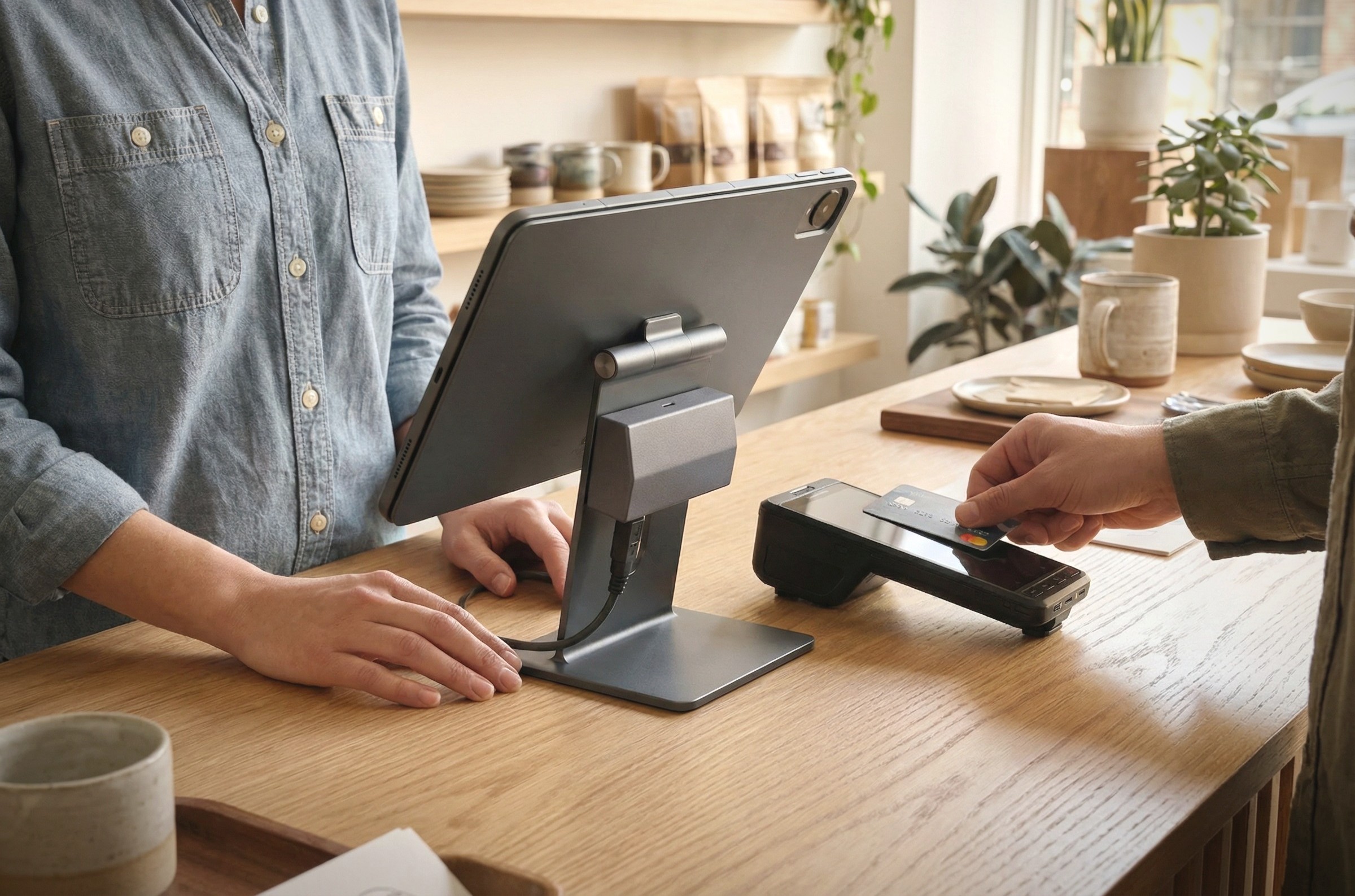
POS systems for modern commerce
Confirma's point-of-sale systems integrate sales at the register with the rest of the store's operations—payment processing, inventory management, product information, and reporting all work together rather than being handled separately.





/Point-of-SaleSystems
Your expert partner in POS systems
With over 30 years of Finnish experience, Confirma offers POS solutions for various retail needs, from individual stores and mobile sales to companies operating in multiple locations and sales channels.

Inventory and Product Management
Inventory levels are updated automatically when a sale is made, and the system supports, for example, product variations, purchase orders, and location-specific pricing.

Integrated Payments
Integrating the cash register with the payment terminal reduces manual steps and simplifies payment reconciliation and reporting. Accept, for example, card and contactless payments, mobile payments, gift cards, split payments, and other payment methods.

Customer Information and Loyalty Programs
Purchase history and loyalty program information can be integrated directly into the point-of-sale system without the need to maintain separate records.

Reporting and Integrations
Track sales by product, location, and time period, and reduce manual work through integrations with financial management, online store, and ERP systems. Reporting allows you to track, for example, sales by product or product category, store performance, sales at different times of the day, profit margins, and the number of sales transactions.
Find a POS system that suits the way you sell
At Confirma, you get a complete POS solution from software to hardware. When the system and hardware are from the same supplier, you can trust that they will work seamlessly together and you will get help from one place if needed. We offer POS systems for different operating environments and needs. The right solution depends on where and how you sell, how extensive the whole thing is, and what functions you need to support POS sales. Our experts will help you map out your needs and find the right solution for your business.
 Confirma Jeemly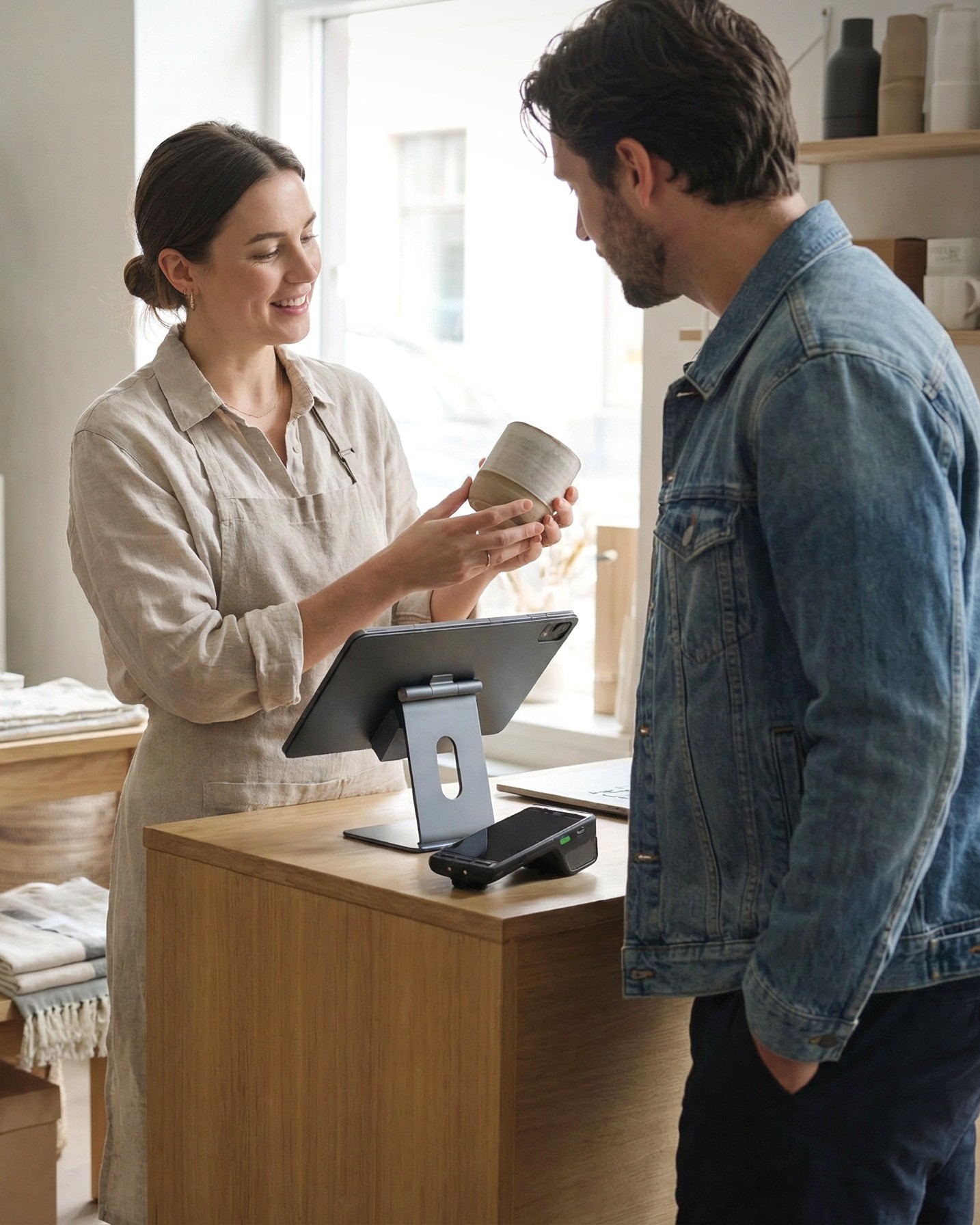
Confirma Jeemly
For retail stores and restaurants that need a versatile POS system with ERP functionality – cash register, inventory management, invoicing, customer management and reporting in the same system.
- Specialty Store Products, variations and campaigns easily managed and stock balances up to date with sales.
- Grocery store Smooth cash sales for large transaction volumes, as well as scales and self-service checkouts as part of the same package.
- Flea markets and secondhand. Reservations and reservation calendar for sales locations, product and sales management, and settlements smoothly in the same system.
- Restaurants and cafes Fast cash and table sales, versatile ordering and payment methods, and smooth forwarding of orders directly to the kitchen.
 Confirma Ceepos
Confirma Ceepos
For public administration organizations with multiple service points and payment channels - traditional checkouts, self-service checkouts, online payment and centralized product management.
- Municipalities and cities Cash registers and payment methods from different locations on one platform, as well as payments centralized for financial management and reporting.
- Educational institutions Meal fees, canteen sales and student payments easily managed and reported.
- Waste management Smooth payment at waste stations and centralized management and transfer of payment information directly to financial management.
- Car dealerships Cash and online payment integrated into Keyloop's Automaster system.
Feature
Key Features of Our Point-of-Sale Systems
Confirma Jeemly
- Point-of-Sale Software and Hardware
- Product and Inventory Management
- Customer Registry and Loyalty Programs
- Billing and Accounts Receivable
Confirma Ceepos
- Point-of-sale system for multiple service locations
- Online and Mobile Payments
- Self-checkout registers
- Centralized Product Management
- Financial Management Automation

No data was found
Let's find a cash register system that suits your business together.
Tell us where and how you sell, how many locations and cash points your company has, and what other systems your cash register needs to work with. We'll help you find a solution that meets your business needs.
INDUSTRIES
A POS solution built for your industry




Expand your POS system
In addition to the cash register system, we also offer other software and services that support the growth of your business.
No data was found
E-commerce platform
Combine online and in-store sales into a single entity and ensure product, price and inventory information is up-to-date.
Read moreFinancial Management Services
Outsource part or all of your financial management to us - we will help with payment reminders and collections as well as accounting and payroll.
Read moreManagement Reporting
Drill deeper into your business figures with visual reports - you can monitor, for example, sales, margin and inventory turnover at the chain, branch and checkout level.
Read moreCompanies that trust Confirma
We help businesses of all sizes across the Nordic countries make their operations run more smoothly every day. Check out our customers' stories.
Vaiha Restaurants
Vaiha grew from a single restaurant into a chain with the help of Confirma's point-of-sale system
The Finnish Ice Cream Truck
All sales from the ice cream truck are handled using a single cash register right at the truck's hatch
Strandis Smokehouse
Strandis Smokehouse Streamlined the Management of Its Diverse Business Operations with Confirma



Questions and Answers
Need help?
Contact us
What does POS mean?
POS stands for Point of Sale and refers to a point of sale, i.e. a place where a sales transaction is made and payment is received. However, the term POS is also often used to refer to a cash register or POS system, i.e. the software and related components used to manage sales and payments.
In Finland, the POS system is commonly referred to as a cash register system.
What is a cash register system?
A POS system is a sales and payment system that processes sales transactions and stores their information in the system. It is used to manage, for example, cash sales, products, prices, payment methods, and sales reporting.
A POS system can operate as a standalone solution or as part of a larger ERP system. In this case, for example, inventory management, customer management, purchasing and invoicing can be combined into the same entity.
What is the difference between a cash register and a cash system?
A point of sale is a point of sale where a sales transaction is recorded and payment is received. It may include, for example, a cash register, barcode scanner, receipt printer, cash drawer, and payment terminal.
A POS system is a back-end system that manages sales, products, prices, and other cash register information. One POS system can serve multiple cash registers in the same or multiple locations.
What is the difference between a cash register system and an ERP system?
A cash register system focuses primarily on managing sales transactions and payments. An ERP system, or enterprise resource planning system, covers a company's operations more broadly and can combine cash registers with, for example, inventory management, purchasing, orders, invoicing, and customer management.
A simple POS system is sufficient for certain needs, but if your sales involve more extensive inventory management, purchasing, or other business processes, ERP may be a more functional option. For example, Jeemly is an ERP system with versatile POS functions. Our experts will help you assess which solution best suits your company's needs.
How to choose a suitable cash register system?
Compare your business needs with the features of the POS system from several perspectives: the number of branches and POS terminals and sales channels; what payment methods and payment terminals the system supports and what other systems it needs to exchange data with; what equipment is needed and what the total costs look like in terms of software, hardware, implementation and support; where the data is stored and how the system works, for example, in the event of a network outage; and how easy the system is to learn and what kind of support is available.
What should you consider when changing your cash register system?
Replacing a POS system may require migrating product and customer data, replacing or adapting hardware, integrating existing business systems, defining products, prices, and payment methods, and training staff and adapting operating procedures.
The scope of the change depends on the company – replacing a single point of sale is a very different project than migrating multiple locations and integrations to a new system. Careful implementation planning and support from the vendor will make the transition easier.
Contact Us
8b083348-6c19-4f94-8322-b3bdbd6fbe56
Kassajärjestelmät
